
Jul 31, 2026 • Adrian T
AI Generated Photos and Videos: Safety Tips and New Ideas to Try
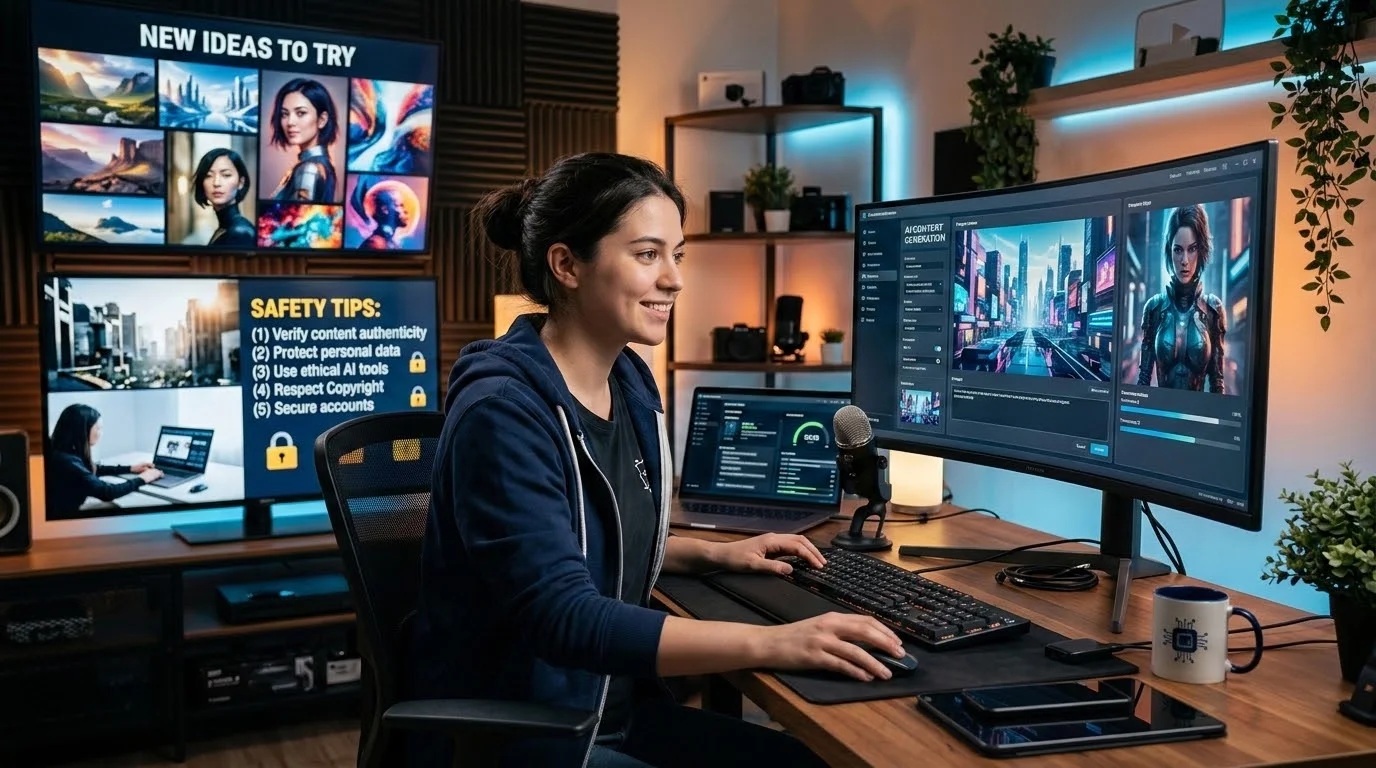
People are using AI to create all kinds of fun, personal images these days: family holiday photos on beaches they've never actually been to, grandchildren scoring the winning goal in a football match, even pets having a full "conversation". It's an easy, enjoyable way to spend an afternoon. But as with any powerful tool, with great power comes great responsibility, so here are a few more ideas to try, plus some important things to know before you print, post, or share anything AI made.
A few more things to try
-
A family portrait "through the years": a photo of your family as it might have looked at different ages, or all together at an event that never happened, like a big reunion dinner.
-
A "dream trip" photo: somewhere you've always wanted to visit, with you in the picture, before you actually go (or even if you never do).
-
A birthday or festive greeting card: a photo of your grandchildren in Chinese New Year or Hari Raya outfits, or a National Day-themed family photo.
-
A pet's "day in the life": your pet doing something silly or impossible, like reading the newspaper or ordering kopi at the coffeeshop.
These are meant to be fun and personal. Gemini is good at this kind of everyday, playful image. Where it's weaker is getting small details exactly right, which brings us to the next part.
AI gets things wrong, sometimes without you noticing
AI-generated images can look convincing at first glance but contain small mistakes. Fingers that don't look quite right, text that's garbled, or details that are simply wrong.
A recent example happened right here in Singapore. In July 2026, some National Day banners were put up in Bedok, made using AI by a group of residents, many of them seniors, who wanted to help decorate the estate. One banner showed the Singapore flag missing its stars and crescent, so it looked more like Indonesia's flag. The volunteers who made it hadn't noticed. Once a resident flagged it, the banner was replaced the same evening. (Source: Mothership )
Nobody did anything wrong here. It's a completely understandable mistake, and it's exactly why we always say: AI can generate the image, but a person still needs to check it before it's shared, printed, or posted. Look closely at flags, text, faces, and any detail that matters, especially if it's going somewhere public.
Before you share on social media or WhatsApp
A few things worth knowing before you post an AI-made photo to Facebook, WhatsApp, or Instagram:
-
Once it's posted, it's hard to take back. Treat an AI photo the same way you'd treat any photo: if you wouldn't want it circulating forever, don't post it.
-
Say it's AI-made if it isn't obvious. A caption like "made this with AI, so cute!" is honest and usually gets a good reaction anyway. Passing it off as a real photo can confuse people, especially if it includes real family members in a scene that never happened.
-
Think about what's in the background. Some AI tools can pick up small details from your original photo (like your block number or a street sign) and recreate them. Have a quick look before sharing.
Never use a real person you don't know, especially someone famous
This is an important one: don't generate images or videos of celebrities, politicians, or any real public figure, even for fun. Using someone's likeness without their permission, especially to make them say or do something they never did, can be misleading and is not something we teach or encourage. A fake photo or video made to look like a real person is sometimes called a "deepfake", and it can be shared and mistaken for real long after you've forgotten you made it.
If you're just curious and want to test what the AI can do with a famous face, that's a personal experiment. But never share it , even as a joke. Once it's out there, you can't control where it goes, and it can be mistaken for real.
AI-generated images and videos are also being used in scams
The same AI tools that make a fun family photo can be misused by scammers, so it's worth knowing what this looks like.
In May 2026, Singapore Police issued an advisory after a victim lost at least $4.9 million in a scam involving a Zoom video call where the "participants", including people who appeared to be Prime Minister Lawrence Wong and other government officials, were entirely fabricated using deepfake AI technology. (Source: The Straits Times )
The same technology can be used on a smaller, more personal scale: a cloned voice or video of a family member, claiming to be in an emergency and asking for money urgently. It sounds and looks convincing because it's built from real photos, videos, or voice clips, often ones we've shared publicly ourselves.
A few ways to protect yourself:
-
Verify through a separate channel. If you get an urgent call or video asking for money, hang up and call that person back on a number you already know, don't call back a number they just gave you.
-
Be suspicious of urgency and secrecy. Scammers push you to act fast and keep it quiet. A real emergency can wait for one phone call to check.
-
Be wary of "endorsements" by public figures. A video of a minister, celebrity, or official promoting an investment or giveaway is very likely fake.
-
If in doubt, call the ScamShield Helpline at 1799 , or report it to the police.
A quick checklist before you post or print anything AI-made
-
Does it look right? Check flags, text, faces, and small details.
-
Is it clearly not a real photo, if it needs to be?
-
Would you be comfortable with anyone seeing it, including people you don't know?
-
Are the only real people in it your family, friends, or yourself, not a public figure? (Fully fictional, AI-generated characters are fine.)
-
Is it free of anything racist, hateful, or otherwise hurtful, even if it was meant as a joke?
If you can say yes to all five, you're good to go.
Want to go further?
If you enjoyed experimenting with this and want to go further, our course Using AI: Creating Short-Form Stories goes further into building a full short story or video with AI, covering idea, characters, scenes, and even AI-generated dialogue and audio. Seniors pricing applies.You can pay by PayNow or with SkillsFuture credits. To sign up or ask a question,message us on WhatsApp and we will help you get started.
Related Posts

Do Apps Like WhatsApp, Gmail Work in China? How Singapore Travellers Stay Connected

Why More Singapore Seniors Are Joining Instagram (and How to Start)

How to Build a Design System for your Business and Brands Using Claude Design

Claude Plugins Explained: What They Are and How to Use Them for Business

Edit images using Google Gemini Nano Banana without photoshop

Leading Image, Video and Audio Generative AI Companies With Free Tiers and Usage

Leading Generative AI Companies Around the World With Free Tiers and Usage

Deepfake Technology Explained: How It Works, Risks, and the Future of AI
