
Dec 21, 2025 • Adrian T
Safe & Simple: A Senior's Guide to Password Security and Digital Independence
Why Digital Safety is the Key to Active Aging
We often hear that the digital world is a young person's playground. At XIOHOO, we know that is simply not true. Technology is a tool for every generation. It allows us to video call our grandchildren in Australia or order groceries with a few taps on a screen. However, many seniors feel a sense of hesitation when they step into the digital space. Is it safe? Will I lose my money? These are valid questions that deserve clear answers.
Active aging is about more than just physical health. It is about staying curious and connected to the world around us. Digital literacy is the gateway to this modern independence. When you feel confident navigating your smartphone, you are not just using an app. You are participating in society. We believe that security should never be the barrier that keeps you from exploring. In fact, understanding safety is what gives you the freedom to move boldly online.
Why should a fear of passwords stop you from enjoying the convenience of digital government services or online shopping? We see our role as your guide through this landscape. We provide the "warm support" you need to master these tools without the stress. Our mission is to bridge the digital divide by making complex concepts simple and approachable for everyone. Security is not a wall. It is a set of keys that you hold in your hand.
Digital safety is the foundation of your digital life. Once you have a solid grasp of how to protect your information, the internet stops feeling like a dangerous place. It starts feeling like a library, a marketplace, and a community center all rolled into one. Are you ready to take control of your digital footprint? We are here to show you that staying safe is easier than you think.
Beyond '123456': Crafting Strong Passwords Using Simple Word Associations
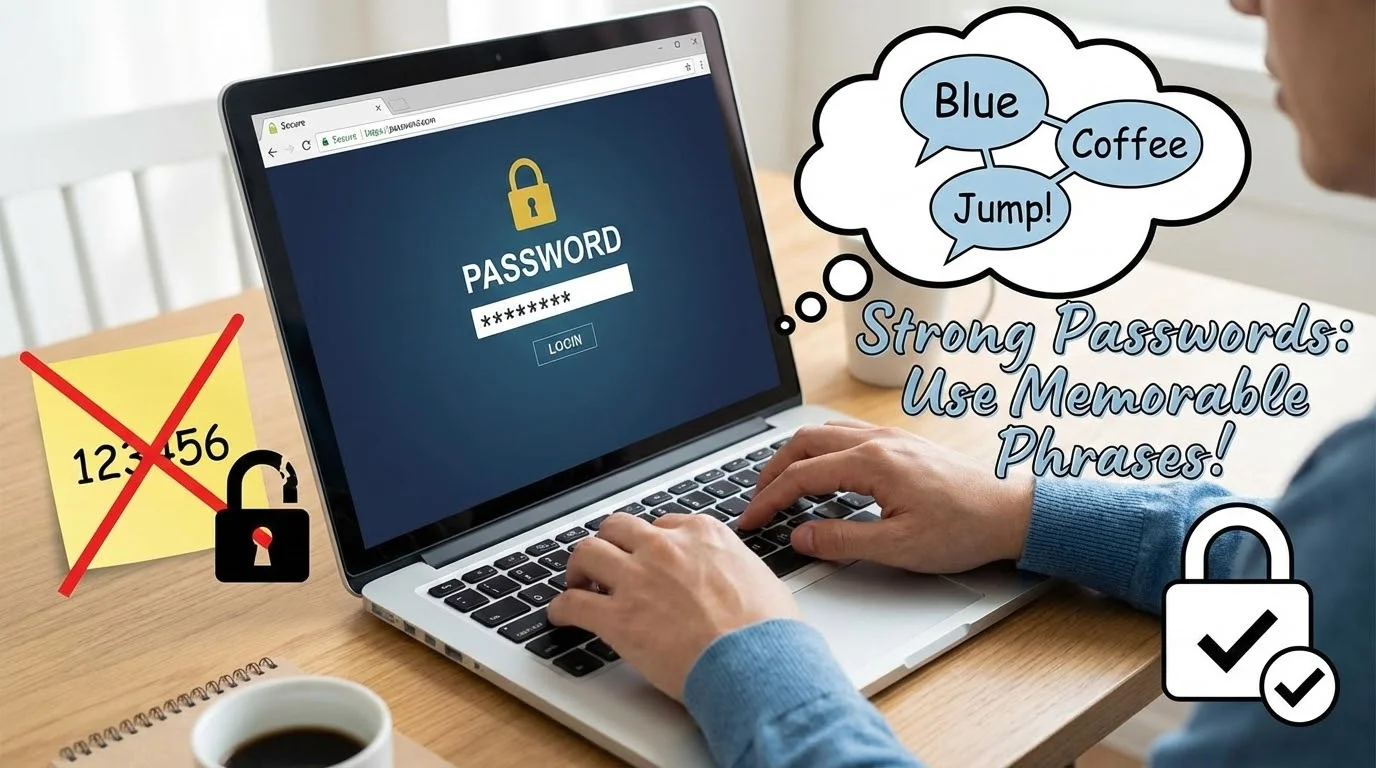
Many people use passwords like "123456" or their birth year because they are easy to remember. Unfortunately, these are the first things a scammer will try. We often see learners struggle with the requirement for "strong" passwords that include symbols and numbers. It feels like you need to be a mathematician just to log into your email. What if we told you that a strong password could be based on your favorite morning routine instead?
We teach a method called word association. Instead of a random string of characters, think of a short sentence or a phrase that means something to you. For example, if you love having coffee at a specific hawker center, your phrase could be "Kopi O at Maxwell". To make it a password, you can shorten it to "KopiO@Maxwell88". This is much harder for a computer to guess, but very easy for you to recall. Does it feel more manageable when you use words that are part of your daily life?
Length is actually more important than complexity. A long password made of four random common words is often stronger than a short one with many symbols. Think of words like "Garden-Blue-Chair-Rain". These are easy to visualize. Your brain is wired to remember stories and images much better than it remembers "Xj9!pL2". We encourage our students to pick a theme they enjoy, such as local food, travel destinations, or family hobbies.
Avoid using your NRIC number, phone number, or the names of your children. These details are often public or easy to find on social media. By using a unique word association, you create a private code that belongs only to you. We recommend changing these passwords at least once a year. It might feel like a chore, but it keeps your digital "house" secure. Think of it as changing the batteries in your smoke detector.
The Magic of Biometrics: Using Face ID and Fingerprints for Instant Access
Have you ever struggled to type a long password on a tiny glass screen? It can be frustrating when your fingers hit the wrong key. This is where biometrics come in. Biometrics is just a fancy word for using your physical features, like your face or your fingerprint, to unlock your device. It is one of the most powerful tools for senior-friendly security because it removes the need to memorize anything.
Setting up Face ID on an iPhone or Face Recognition on a Samsung device is a simple process. The phone uses a special camera to map the unique shapes of your face. It does not store a photo of you. Instead, it creates a mathematical map that only matches you. Once it is set up, you simply look at your phone to unlock it. Is there anything more convenient than having your face be your key?
Fingerprint scanners are another excellent option. Most modern smartphones have a small sensor on the home button, the side power button, or even under the screen. You simply rest your thumb or index finger on the sensor for a second. We often help our students register multiple fingers. This way, if you are holding a grocery bag with one hand, you can still unlock your phone with the other. It is a practical solution for a busy life.
Some people worry about the privacy of their biometric data. It is important to know that this data stays on your phone. It is not sent to a big company or stored on the internet. If you lose your phone, no one can "steal" your fingerprint from the device. Biometrics offer a high level of protection because it is nearly impossible for a scammer to replicate your unique physical traits. It turns your smartphone into a personal vault that only opens for you.
Built-in Helpers: How Your Browser and Phone Can Remember Passwords for You
We often hear our students say they have "password fatigue". There are simply too many accounts to keep track of. You have one for your bank, one for your email, one for Singpass, and maybe another for a shopping app. It is natural to feel overwhelmed. Luckily, your smartphone and your web browser have built-in helpers designed to solve this exact problem. These are called Password Managers.
If you use an iPhone, you have something called the iCloud Keychain. If you use an Android phone or the Chrome browser, you have the Google Password Manager. When you log into a website for the first time, your device will ask, "Would you like to save this password?". If you tap "Yes", the device remembers it for you. The next time you visit that site, the phone will fill in the details automatically. Does that sound like a relief?
These built-in managers are very secure. They are protected by the same Face ID or fingerprint we discussed earlier. This means even if someone borrows your phone, they cannot see your passwords without your physical presence. We recommend using these tools because they allow you to use different, strong passwords for every account. You do not have to remember them. Your phone does the heavy lifting for you.
We also show our learners how to view their saved passwords if they ever need to type them on a different device. On an iPhone, you can find them in the "Settings" app under "Passwords". On an Android, they are usually found within the Google app settings. Having a central place to manage your digital keys reduces stress and prevents you from getting locked out of your accounts. Technology should work for you, not make you work harder.
The Two-Lock Method: Understanding 2FA and Why It Keeps Scammers Out
Imagine you have a safe at home that requires two different keys held by two different people to open. Even if a thief steals one key, they still cannot get inside. This is exactly how Two-Factor Authentication, or 2FA, works. It adds a second layer of protection to your most important accounts. In Singapore, we use this every day with the Singpass app. It is one of the best ways to ensure that you are the only one who can access your data.
When you log into an account with 2FA, you first enter your password. Then, the system asks for a second "factor". This could be a code sent to your phone via SMS, or a notification you tap on your Singpass app. Why is this so important? Even if a scammer manages to guess your password, they do not have your physical phone. Without that second key, they are stuck outside. It is a simple step that provides massive peace of mind.
The Singpass login flow is a perfect example of 2FA in action. When you want to check your CPF or your health records, you enter your ID on the website. Your phone then buzzes with a request from the Singpass app. You use your face or fingerprint to confirm it is you. This "Two-Lock Method" has become the gold standard for security in Singapore. We spend a lot of time in our workshops helping seniors get comfortable with this flow.
Some apps might send you a six-digit code through a text message. You simply type those numbers into the website to finish logging in. It is important to remember that you should never share these codes with anyone who calls or messages you. A bank or a government agency will never ask you for your 2FA code over the phone. Treat that code like the PIN for your ATM card. It is your secret second key.
The Physical Backup: Best Practices for Using a Password Notebook Safely
While digital tools are wonderful, many of our students still prefer the comfort of pen and paper. We believe there is nothing wrong with keeping a physical record of your passwords. In fact, for many seniors, a password notebook is a reliable backup if they forget how to access their digital manager. The key is knowing how to keep that notebook as secure as the digital accounts themselves. How do you balance convenience with safety?
First, never call the book "My Passwords" on the cover. Give it a boring name like "Address Book" or "Recipe Notes". This makes it less obvious to anyone who might see it. Inside the book, we suggest a clever trick. Do not write down the full password. Instead, write a hint that only you would understand. If your password is "KopiO@Maxwell88", you might write "Favorite drink at my favorite hawker + the year I got married".
Keep this notebook in a secure place. A locked drawer or a home safe is ideal. Do not leave it on the coffee table or stuck to the side of your computer monitor with a post-it note. We often tell our learners to think of it like their passport or their birth certificate. You do not need it every day, but you need to know exactly where it is when you do. Does your current storage spot feel secure enough?
It is also a good idea to keep the notebook organized. Use a page for each category, such as "Social Media", "Banking", and "Government Services". Use a pencil so you can easily update the information when you change a password. We provide a checklist for our community on what to include in a physical journal. This includes the website name, your username, the password hint, and any security questions you might have set up. A little organization goes a long way in reducing digital anxiety.
Planning Ahead: How to Set Up Emergency Access for Your Family Members
We often talk about digital independence, but part of being responsible is planning for the unexpected. What happens to your digital accounts if you are unable to access them? Many people do not realize that their photos, emails, and even financial accounts could be locked away forever if they do not set up emergency access. This is a vital part of "Active Aging". It ensures your legacy and your assets are protected for your loved ones.
Most major platforms now offer "Legacy Contacts" or "Emergency Access" features. For example, Apple allows you to designate a family member as a Legacy Contact. If something happens to you, they can request access to your photos and data with a special key you provide now. Google has a similar feature called the "Inactive Account Manager". You can decide how long your account should be inactive before Google notifies your chosen contact. It is a gift of clarity for your family.
We encourage you to have a conversation with a trusted family member about your digital life. You do not have to give them all your passwords today. Instead, tell them where you keep your password notebook or how they can activate the emergency access features you have set up. This transparency prevents a lot of stress during difficult times. Have you thought about who you would trust with your digital keys?
At XIOHOO, we help our students navigate these settings. It can be an emotional topic, but we approach it with the same patient and inclusive tone we use for all our lessons. Setting up these features is a one-time task that provides long-term security. It is about making sure your digital footprint is handled with the same care as your physical belongings. Planning ahead is not just about security. It is about peace of mind for you and your family.
Spotting the Fake: Protecting Yourself from AI-Enhanced Scams and Deepfakes
The world of scams is changing quickly because of Artificial Intelligence. We are now seeing "deepfakes", which are realistic videos or voice recordings of people you might know. A scammer might use AI to make it sound like your son or daughter is calling you to ask for money. This can be very frightening. However, knowing how these scams work is the first step in defeating them. Are you aware of the signs that a video or call might be fake?
One of the best ways to spot a deepfake is to look for "glitches". Sometimes the person's eyes do not blink naturally, or their mouth movements do not perfectly match the words they are saying. In a phone call, there might be a strange delay or a robotic quality to the voice. If you receive a suspicious call from a loved one asking for urgent help, hang up. Call them back on their known number to verify. Scammers rely on panic to make you act quickly.
Phishing is another common tactic. This is when you receive an email or text that looks like it is from a bank or the government. They often use high-pressure language, like "Your account will be deleted in 24 hours". Look closely at the website link. A legitimate Singapore government website will always end in ".gov.sg". A scammer might use something like "singpass-verification.com". Can you see the difference? We teach our students to always check the web address before clicking.
We believe that being "AI-ready" means being "AI-skeptical". If something feels too good to be true, or if it feels unusually urgent, it is likely a scam. We use real-world examples in our classes to show the difference between a real login page and a fake one. By normalizing these conversations, we take away the power that scammers have. You are not alone in this. We are building a community where we look out for one another and share what we learn about staying safe.
Conclusion: Taking Your First Step Toward Digital Confidence with XIOHOO
Digital security does not have to be a source of fear. It is a skill that can be learned, just like any other. By using strong word associations, embracing biometrics, and setting up 2FA, you are already ahead of the curve. You are taking active steps to protect your independence and stay connected with the people you love. Does the digital world feel a little bit smaller and safer now?
At XIOHOO, we are more than just a training center. We are a social enterprise dedicated to making sure no one is left behind in Singapore's digital journey. Whether you are a senior looking to master your first smartphone or a professional wanting to understand the power of Generative AI, we have a place for you. Our workshops are designed to be hands-on, practical, and, most importantly, empathetic. We know that learning something new takes time and patience.
We invite you to join our inclusive learning community. Our "AI for Active Aging" and smartphone mastery courses are perfect for those who want to turn their digital anxiety into digital confidence. We don't just teach you how to use an app. We teach you how to be a creator and a confident participant in the modern world. Your journey toward digital independence starts with a single step. Why not take that step with us today?
Visit our website to explore our upcoming classes and resources. We are here to support you every step of the way, from your first password to your first AI-generated image. Let's work together to close the intergenerational gap and make technology a tool for social good. You have the keys to your digital life. We are just here to show you how to use them. See you in class!
Related Posts

Do Apps Like WhatsApp, Gmail Work in China? How Singapore Travellers Stay Connected

AI Generated Photos and Videos: Safety Tips and New Ideas to Try

Why More Singapore Seniors Are Joining Instagram (and How to Start)

How to Build a Design System for your Business and Brands Using Claude Design

Claude Plugins Explained: What They Are and How to Use Them for Business

Edit images using Google Gemini Nano Banana without photoshop

Leading Image, Video and Audio Generative AI Companies With Free Tiers and Usage

Leading Generative AI Companies Around the World With Free Tiers and Usage
