
Dec 20, 2025 • Adrian T
Mastering Safe Digital Banking in Singapore: A Senior-Friendly Guide to Security and Convenience
Introduction: Why Digital Banking is Your Gateway to Digital Independence
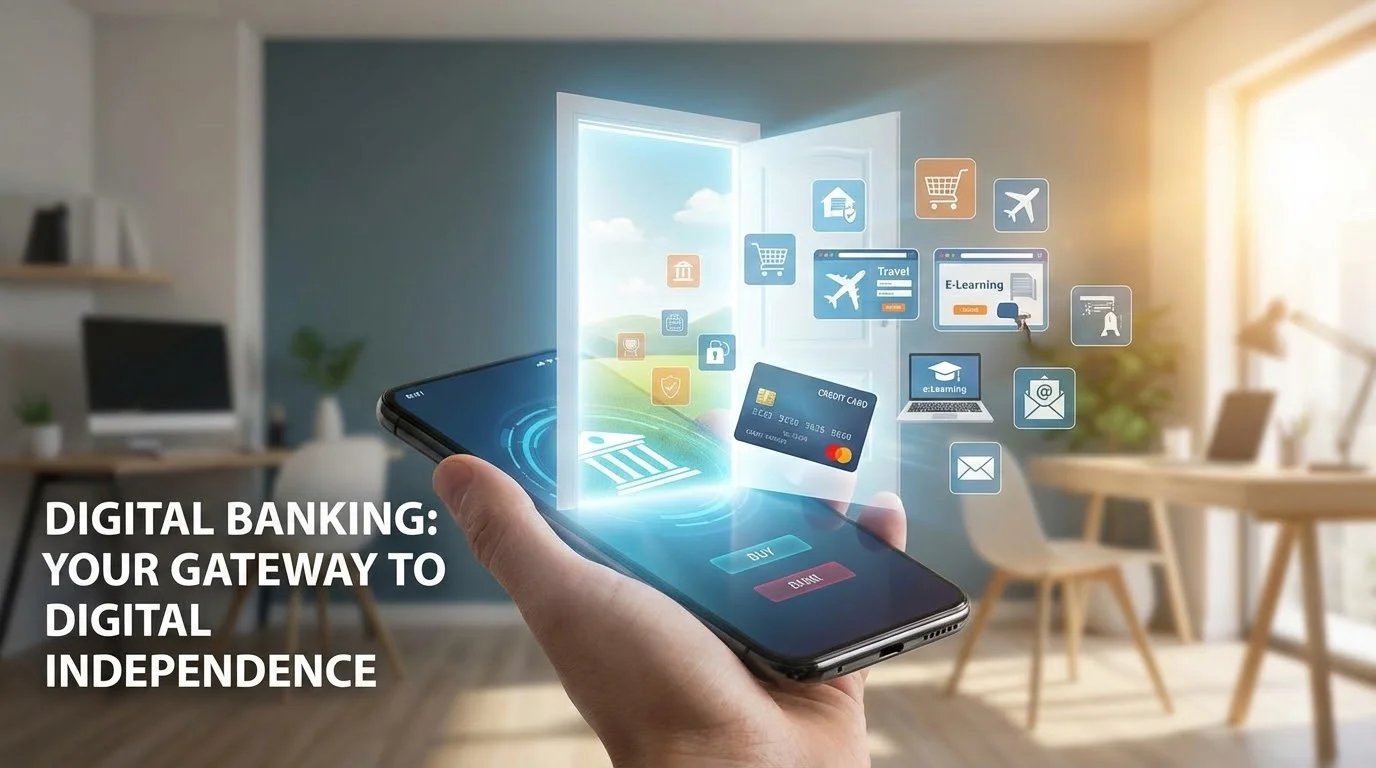
For many members of Singapore’s Silver Generation, the transition from physical passbooks and bank queues to smartphone apps can feel like an insurmountable leap. There is a natural hesitation rooted in the fear of making a mistake, falling victim to a scam, or simply feeling overwhelmed by the pace of technological change. However, digital banking is not merely a modern convenience; it is a fundamental tool for digital independence. It allows you to manage your hard-earned savings, pay bills from the comfort of your home, and participate in the local economy without being tethered to the operating hours of a physical branch.
In Singapore, the "Smart Nation" initiative has accelerated the adoption of digital services across all sectors. While this shift can feel exclusionary to those who did not grow up with computers, it also offers an unprecedented opportunity for empowerment. Mastering your banking app means you no longer have to rely on children or grandchildren to check your balance or transfer funds. It restores a sense of autonomy that is vital for active aging. This guide is designed to demystify the process, focusing on the robust security measures built into Singapore’s banking ecosystem and providing a clear, patient roadmap for those ready to embrace the digital future.
At XIOHOO, we believe that technology should serve as a bridge, not a barrier. By understanding the "how" and "why" of digital finance, seniors can move from a position of caution to one of confidence. Digital banking is the foundation upon which other digital skills are built, providing the practical experience needed to navigate the wider world of online services safely and effectively.
Choosing the Right Account: Comparing Personal vs. Business Digital Tools
The first step in your digital banking journey is selecting the account that best fits your lifestyle. In Singapore, the landscape is divided between traditional "Full Banks" like DBS, OCBC, and UOB, and newer "Digital-Only Banks" such as Trust Bank, GXS Bank, and MariBank. For most seniors, a personal savings account with a traditional bank offers a sense of familiarity, as these institutions still maintain physical branches where one can seek face-to-face assistance if needed. These accounts are designed for daily use, receiving pensions, paying utilities, and managing personal spending.
However, many seniors today are not just retirees; they are active participants in the economy as solopreneurs, hobbyists selling crafts, or community leaders managing small funds. For these individuals, understanding the distinction between personal and business digital tools is crucial. While a personal account is sufficient for most, business-oriented digital tools offer features like automated invoicing or expense tracking which can be helpful if you are running a small home-based business. For the majority of users, sticking to a high-quality personal savings account is the most straightforward path.
When comparing accounts, consider the "Basic Banking Account" (BBA) standard in Singapore. These are low-cost accounts specifically designed to be accessible to all Singaporeans, including seniors. They typically have lower initial deposit requirements and reduced monthly fees. Digital-only banks often entice users with higher interest rates and no minimum balance requirements, which can be attractive for those who are comfortable navigating an entirely paperless environment. The choice depends on your comfort level with technology and your need for physical branch access.
Getting Started: Step-by-Step Account Opening and Singpass Integration
Opening a bank account in Singapore has been revolutionized by Singpass, the national digital identity. For seniors, this is perhaps the most significant technological leap that simplifies administrative tasks. Gone are the days of carrying stacks of paper documents, utility bills, and NRIC photocopies to a bank branch. With Singpass and its "MyInfo" feature, the bank can securely retrieve your verified personal details with your explicit consent, making the application process almost instantaneous.
To get started, you will need to download your chosen bank’s official app from the Apple App Store or Google Play Store. It is vital to ensure you are downloading the authentic app; look for high download counts and the official developer name (e.g., "DBS Bank Ltd"). Once the app is installed, select the "Open an Account" option. You will be prompted to log in via Singpass. This step uses your biometric data (like a fingerprint or face scan) or your Singpass password to verify your identity. The app will then show you the information it will retrieve from the government database, your name, address, and date of birth. Once you confirm, the application form is automatically filled out.
This integration not only saves time but also enhances security. Because the data comes directly from a government source, there is a much lower risk of identity theft or errors in the application. For many seniors, this is their first real interaction with the power of an integrated digital ecosystem, showcasing how government tools like Singpass act as a "Golden Key" to private services. If you encounter difficulties, most banks offer a "Save and Resume" feature, allowing you to stop and seek help from a friend or a digital literacy workshop before completing the process.
Transparency in Banking: Understanding Fees, Monthly Minimums, and ATM Policies
One of the primary concerns for seniors moving to digital banking is the fear of "hidden costs." Transparency is essential for building trust. In Singapore, banking fees are generally well-regulated, but it is important to understand the specific terms of your account. Most traditional savings accounts require a "Minimum Average Daily Balance." If your account balance falls below this amount (for example, $1,000), the bank may charge a "fall-below fee," usually ranging from $2 to $5 per month.
However, many banks waive these fees for seniors aged 60 and above. It is worth checking with your bank to see if you qualify for a fee-exempt account. Digital-only banks, on the other hand, frequently advertise "no minimum balance" and "no monthly fees," which can be a significant advantage for those who maintain smaller balances. Another area of transparency involves ATM policies. While digital banking encourages cashless transactions, you may still need physical cash. Traditional banks have extensive ATM networks, while digital-only banks often partner with existing networks (like the shared ATM network between certain banks) or offer unique ways to withdraw cash at retail points like 7-Eleven.
Understanding these costs upfront prevents surprises. When reviewing an account, look for a "Fact Sheet" or "Product Highlight Sheet" on the bank’s website. These documents are required to list all potential charges in plain language. By choosing an account with clear terms and senior-friendly waivers, you can ensure that your transition to digital banking is financially sustainable and stress-free.
Safety Features You Need to Know: 2FA, Kill Switches, and Card Controls
Security is the cornerstone of digital banking, especially in an era where scams are becoming increasingly sophisticated. Singaporean banks have implemented some of the world’s most robust security features to protect users. The first and most common is Two-Factor Authentication (2FA). This means that even if someone knows your password, they cannot access your account without a second "key"—usually a Digital Token embedded in your banking app. This token generates a unique code for every sensitive transaction, ensuring that only you, holding your registered smartphone, can authorize movements of money.
A relatively new and highly effective feature is the "Money Lock." Major banks like DBS, OCBC, and UOB now allow users to "lock" a portion of their savings. Funds placed in a Money Lock cannot be transferred out digitally via the app or website. To unlock these funds, you must physically visit a branch or use an ATM with your card and PIN. This creates a "digital vault" that protects your life savings even if your phone is compromised. For seniors, this provides immense peace of mind, as it limits the potential damage from any single security breach.
Additionally, most apps now feature an "Emergency Kill Switch." If you suspect your account has been compromised or you have lost your phone, you can activate this switch (often via a dedicated hotline or a single button on the bank’s website) to instantly freeze all digital access to your accounts. Furthermore, "Card Controls" allow you to toggle features on and off instantly. For example, you can disable "International Spend" or "Online Transactions" on your debit card and only turn them on when you specifically need to make a purchase. These granular controls put the power of security directly in your hands.
The Convenience of P2P: How to Safely Use PayNow and Scan-to-Pay
Peer-to-Peer (P2P) payment systems like PayNow have transformed daily life in Singapore. PayNow allows you to send money using only a person’s mobile number or NRIC, eliminating the need to remember long bank account numbers. For seniors, this is incredibly useful for splitting a meal bill with friends or sending "ang bao" (red packets) digitally. The safety of PayNow lies in its verification step: before you confirm a transfer, the app will show you the registered name of the recipient. Always double-check this name before hitting "send."
Another common sight in Singapore is the "SGQR" code found at hawker centers and neighborhood shops. This "Scan-to-Pay" system is a secure way to handle small transactions without carrying coins and notes. To use it, you simply open your banking app, select the "Scan" icon, and point your camera at the QR code. You enter the amount, verify the merchant’s name, and authorize the payment. This process is often safer than carrying large amounts of cash, which can be lost or stolen.
A real-world scenario might involve visiting your favorite chicken rice stall. Instead of fumbling for change, you scan the QR code on the counter. The transaction is recorded in your app immediately, providing you with a clear history of your spending. To stay safe, never scan a QR code sent to you via WhatsApp or SMS from an unknown source; only scan codes physically present at reputable merchant counters. This simple habit protects you from "QR phishing" scams.
Never Alone: Accessing 24/7 Customer Support and Live Chat Assistance
One of the biggest myths about digital banking is that you are left to fend for yourself if something goes wrong. In reality, digital platforms offer more ways to get help than traditional banking ever did. Most banking apps now include a "Live Chat" feature where you can type questions and get responses from a customer service representative in real-time. This is often faster than waiting on a phone line and allows you to keep a record of the conversation.
For urgent matters, such as reporting a lost card or suspicious activity, banks maintain 24/7 dedicated fraud hotlines. These lines are prioritized to ensure that you can speak to a human being immediately. Many banks also provide "In-App Help Centers" with step-by-step video tutorials and frequently asked questions (FAQs) tailored to common tasks like resetting a password or updating an address. These resources are designed to be intuitive and are often available in multiple languages, including Mandarin, Malay, and Tamil, to support Singapore’s diverse Silver Generation.
At XIOHOO, we emphasize that "digital" does not mean "faceless." The goal of technology is to supplement human support, not replace it. Knowing that help is just a few taps away, whether through a chat bot for simple queries or a human agent for complex issues, provides the safety net that many seniors need to feel comfortable. You are never alone in your digital journey; the entire banking infrastructure is designed to support your transition and ensure your funds remain secure.
XIOHOO's Role: How Our Workshops Help You Navigate Banking Apps Safely
While guides and tutorials are helpful, there is no substitute for hands-on, empathy-led instruction. This is where XIOHOO steps in. As a social enterprise dedicated to digital inclusion, we specialize in bridging the gap between complex technology and everyday use. Our workshops are designed specifically for the Silver Generation and non-technical learners, providing a safe, patient environment where no question is considered "too basic." We understand that learning to use a banking app is not just about clicking buttons; it is about building the confidence to trust the process.
In our "AI for Active Aging" and digital literacy sessions, we walk participants through the actual interfaces of Singapore’s major banking apps. We use analogies to explain technical concepts—comparing 2FA to a physical padlock and a key, or explaining "The Cloud" as a digital filing cabinet. We also place a heavy emphasis on scam prevention. By teaching seniors how to identify "deepfakes" and AI-generated phishing attempts, we empower them to protect themselves in an increasingly complex digital world. We don't just show you how to use the app; we show you how to master it.
Our goal is to move seniors from being passive consumers of technology to active creators and confident users. Whether it is learning how to set up a "Money Lock" or understanding how to use Generative AI to simplify daily tasks, XIOHOO provides the community and the expertise needed to navigate the digital landscape. We believe that by democratizing technology, we can foster an inclusive society where everyone, regardless of age, can enjoy the benefits of a Smart Nation. Our partnerships with government and community programs ensure that our training is accessible, practical, and aligned with the latest digital tools available in Singapore.
Conclusion: Taking Your First Step Toward Secure Digital Finance
The journey toward digital independence is a marathon, not a sprint. It begins with a single step: the decision to move past fear and embrace the tools designed to make your life easier. Digital banking in Singapore is among the safest and most efficient in the world, backed by rigorous government oversight and cutting-edge security features like the Money Lock and Singpass integration. By taking the time to understand these features, you are not just learning a new skill; you are securing your financial future and reclaiming your autonomy.
Remember that every expert was once a beginner. The frustrations of learning a new interface or remembering a new password are temporary, but the benefits of digital literacy are permanent. You will find that as you master your banking app, other digital tasks—like using government services or connecting with family—become significantly easier. Technology is a tool for social good, and it is a tool that belongs to you as much as it does to the younger generation.
We encourage you to explore the resources available, join a community of learners at XIOHOO, and start small. Set up your digital token, try a small PayNow transfer to a friend, or simply log in to view your balance. Each small success builds the confidence needed for the next step. The digital world is waiting for you, and with the right support and a patient approach, you can navigate it with total security and absolute confidence. Your path to digital independence starts today.
Related Posts

How to Build a Design System for your Business and Brands Using Claude Design

Claude Plugins Explained: What They Are and How to Use Them for Business

Edit images using Google Gemini Nano Banana without photoshop

Leading Image, Video and Audio Generative AI Companies With Free Tiers and Usage

Leading Generative AI Companies Around the World With Free Tiers and Usage

Deepfake Technology Explained: How It Works, Risks, and the Future of AI

Understanding the Growing Elderly Population in Singapore: Trends, Stats, and 2025/2026 Support

Guide to Fall Prevention and Safety for Elderly Adults at Home
